AI Voice Clone from a short clip
Upload a clean recording of a voice you have the right to use, and Seed Audio speaks brand-new lines in it. Add up to three voices for a full conversation.
Voice Clone
Prompt *
Voice
Auto lets the prompt describe the voice
Reference voices
Up to 3 clips · first 30 s of each
Advanced Options
Format
Sample rate
1 credit per second of finished audio · unused credits return automatically
How to clone a voice
No training run, no waiting room.
Upload a clip
Add a clear recording of 5 to 30 seconds with one speaker and little background noise.
Write with @Audio1
Refer to the clip in your prompt: @Audio1 says calmly, "Thanks for joining us today."
Generate
Seed Audio 1.0 keeps the timbre and speaks the new line. Add @Audio2 and @Audio3 for more voices.
Overview
Voice cloning built into the prompt
Reference clips work like cast members you can direct.
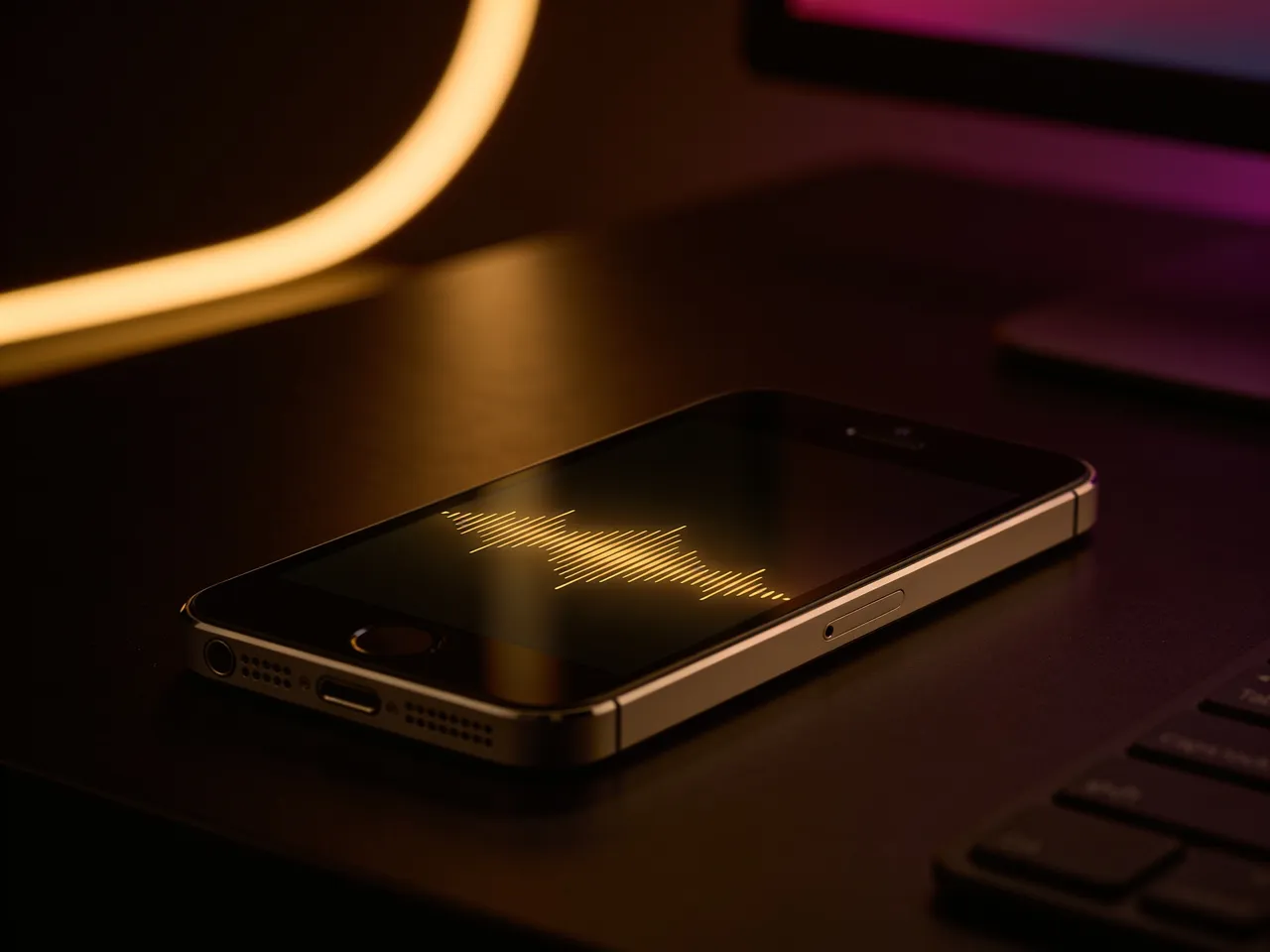
Instant
Clone a voice without training
Seed Audio 1.0 reads your reference clip at generation time, so there is no model training or queue. Upload, tag and generate in the same minute.
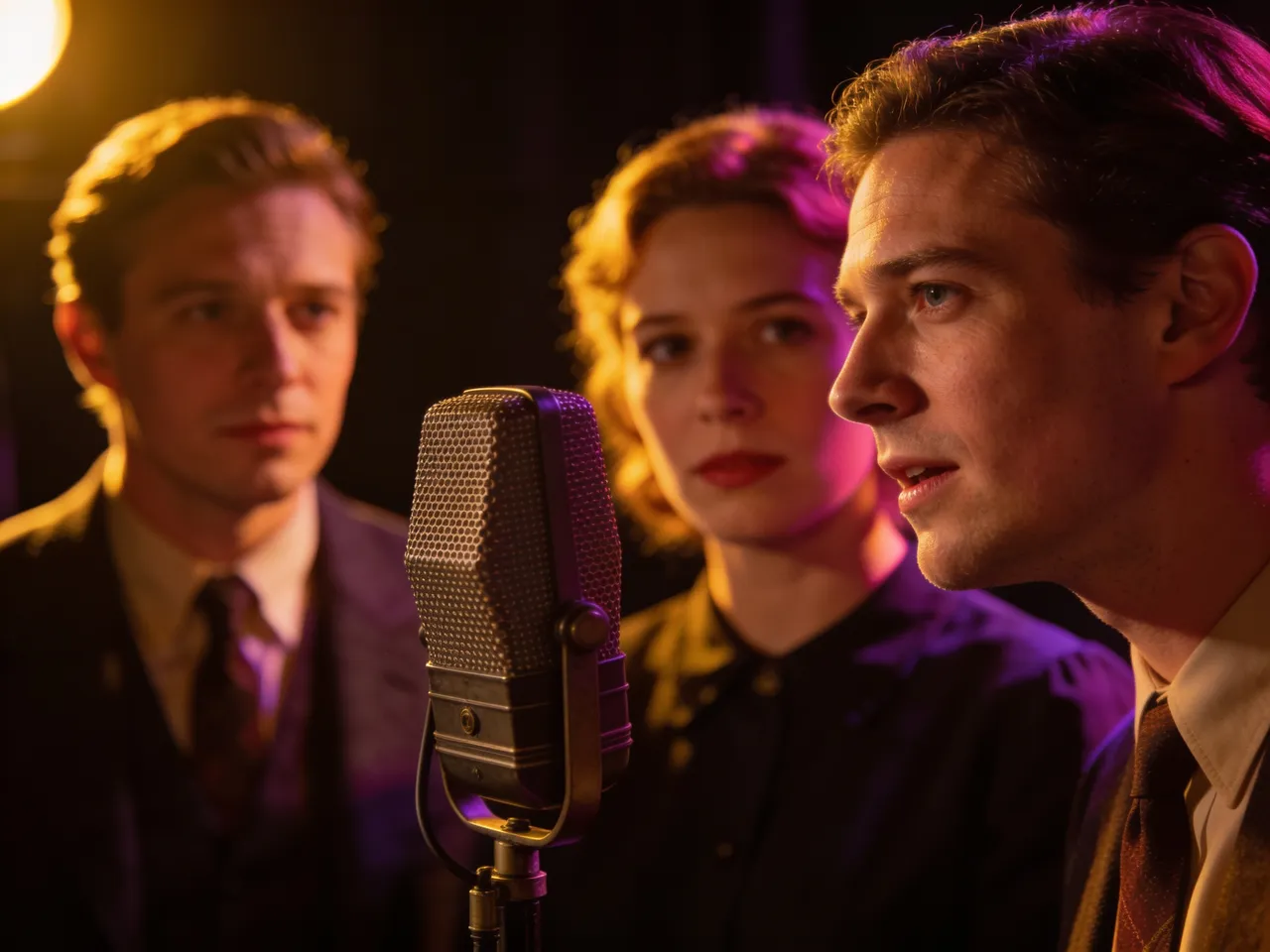
A full cast
Three reference voices in one scene
Tag @Audio1, @Audio2 and @Audio3 to stage a conversation, an interview or a radio drama with consistent voices, plus the ambience around them.
Responsible use
Your voice, or one you have permission to use
Voice cloning is for your own voice, your actors and voices you have consent to use. Clips go straight to the model provider for that take and are not used to train anything.
Clone a voiceListen
Sample works
Made in the SeedAudio studio. Press play to hear them.
More tools
Everything you need to create audio
Seed Audio Studio
Text to audio: voices, scenes and sound in one take
OpenAI Voice Generator
Natural voiceovers from a script in 20 preset voices
OpenSound Effect Generator
Foley, ambience and one-shot effects from a description
OpenImage to Audio
Turn a picture into the sound of its scene
OpenDialogue Generator
Multi-character conversations with timing and emotion
OpenAI Music Generator
Two full songs or instrumentals from one idea
OpenAI Lyrics Generator
Song lyrics with verses and a chorus in seconds
OpenFrequently Asked Questions
Quick answers before you start
1How long should the reference clip be?
Between 5 and 30 seconds of clean speech from one speaker. Longer files are trimmed to their first 30 seconds automatically.
2Can I clone a celebrity voice?
No. Only use your own voice or voices you have permission to use. Impersonating real people without consent breaks our Acceptable Use rules.
3Do you store my voice clip?
Clips are uploaded to our model provider for generation and are not used to train models. Your generated takes stay private unless you share them.
4Can I use more than one voice?
Yes. Upload up to three clips and refer to them as @Audio1, @Audio2 and @Audio3 in the prompt.
5Which file types work?
MP3, WAV, M4A, OGG and most browser-readable audio. The studio converts the clip to clean mono WAV before upload.
6How much does it cost?
New accounts get 60 free credits. Seed Audio takes cost one credit per second of finished audio, and unused credits return automatically. Monthly plans and one-time credit packs are on the pricing page.
Speak new lines in your own voice
Upload a short clip and generate your first cloned take in about a minute.