AI Dialogue Generator with a full cast
Write who speaks and what they say, and Seed Audio 1.0 performs the whole conversation with distinct voices, natural turn-taking and the room around them.
Dialogue Generator
Prompt *
1 credit per second of finished audio · unused credits return automatically
How to generate a dialogue
Script it like a screenplay, in plain sentences.
Set the scene
Say where it happens: "two pilots in a shaking cockpit" or "friends at a noisy bar".
Write the lines
Give each speaker a short description and their line in quotes, in order.
Generate the take
Seed Audio voices each character, keeps the timing and mixes in the background.
Overview
Conversations that sound performed
Stop stitching single voices together by hand.
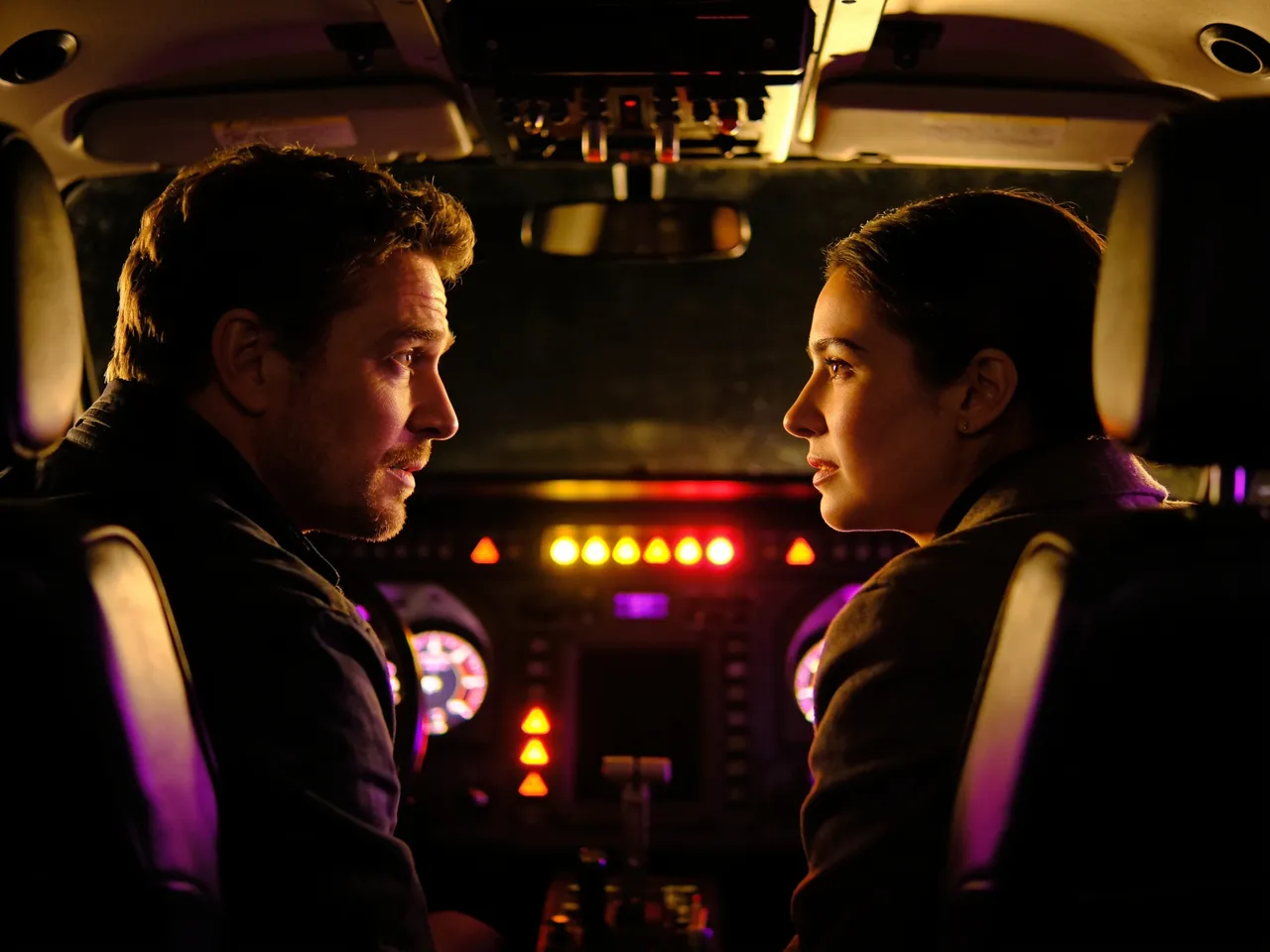
Turn-taking
Natural back-and-forth
Interruptions, sighs, laughs and pauses come from your description. The AI dialogue generator keeps speakers distinct and the pacing believable.
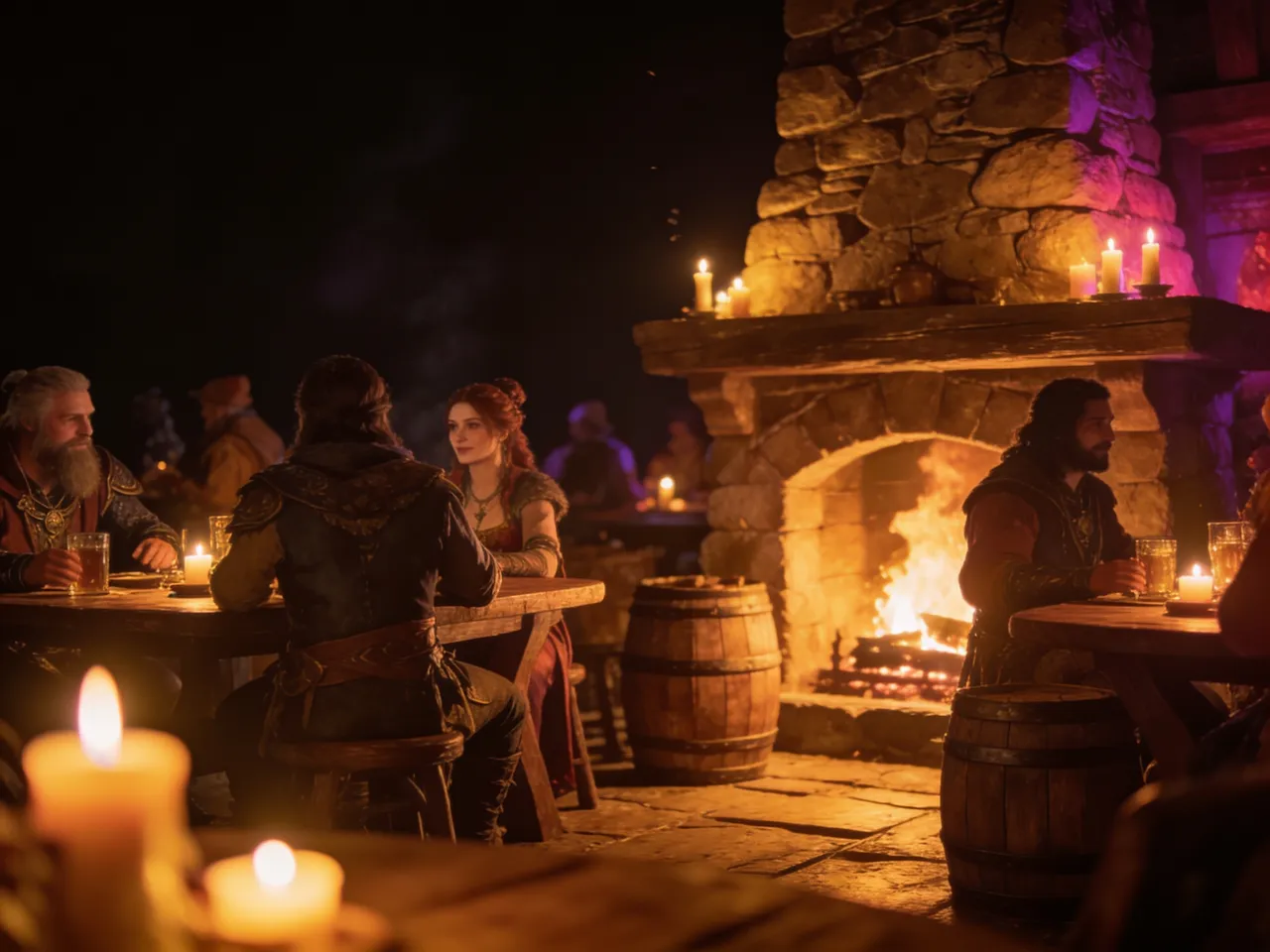
For games and drama
NPC banter, radio plays and podcast skits
Generate tavern chatter, mission briefings or a two-host podcast intro, then reuse voices with reference clips for consistency across scenes.
Generate a dialogueListen
Sample works
Made in the SeedAudio studio. Press play to hear them.
More tools
Everything you need to create audio
Seed Audio Studio
Text to audio: voices, scenes and sound in one take
OpenAI Voice Generator
Natural voiceovers from a script in 20 preset voices
OpenSound Effect Generator
Foley, ambience and one-shot effects from a description
OpenVoice Clone
Speak new lines in a voice from a short reference clip
OpenImage to Audio
Turn a picture into the sound of its scene
OpenAI Music Generator
Two full songs or instrumentals from one idea
OpenAI Lyrics Generator
Song lyrics with verses and a chorus in seconds
OpenFrequently Asked Questions
Quick answers before you start
1How many speakers can a dialogue have?
Two to four speakers usually work best in one take. For consistent voices across scenes, use up to three reference clips.
2How do I control who says what?
Describe each speaker before their line, for example: a nervous young man says "..." then an older woman answers "...".
3Can I add sound effects?
Yes. Mention them in order, like "a door slams" or "thunder rolls", and they are placed in the scene.
4Is it good for game dialogue?
Yes. Many users generate barks, quest lines and ambient chatter for indie games and prototypes.
5How much does it cost?
New accounts get 60 free credits. Seed Audio takes cost one credit per second of finished audio, and unused credits return automatically. Monthly plans and one-time credit packs are on the pricing page.
Cast your scene in seconds
Write the lines, press generate and hear every character perform.