Image to Audio AI that hears the scene
Show Seed Audio a picture of a harbor, a forest or a city at night and it renders the sound of that place. Add a line of narration to turn a photo into a story.
Image to Audio
Prompt *
Voice
Auto lets the prompt describe the voice
Reference image
JPG, PNG or WebP · up to 10 MB
Advanced Options
Format
Sample rate
1 credit per second of finished audio · unused credits return automatically
How to turn an image into audio
Three steps from photo to soundscape.
Upload a picture
Any JPG, PNG or WebP up to 10 MB. Clear scenes with obvious sound sources work best.
Say what to hear
Keep it short ("the sound of this scene") or add direction and a narrator line.
Generate
Seed Audio 1.0 builds the soundscape. Download it for a slideshow, a reel or a game level.
Overview
From still image to living sound
Give silent visuals the audio they are missing.
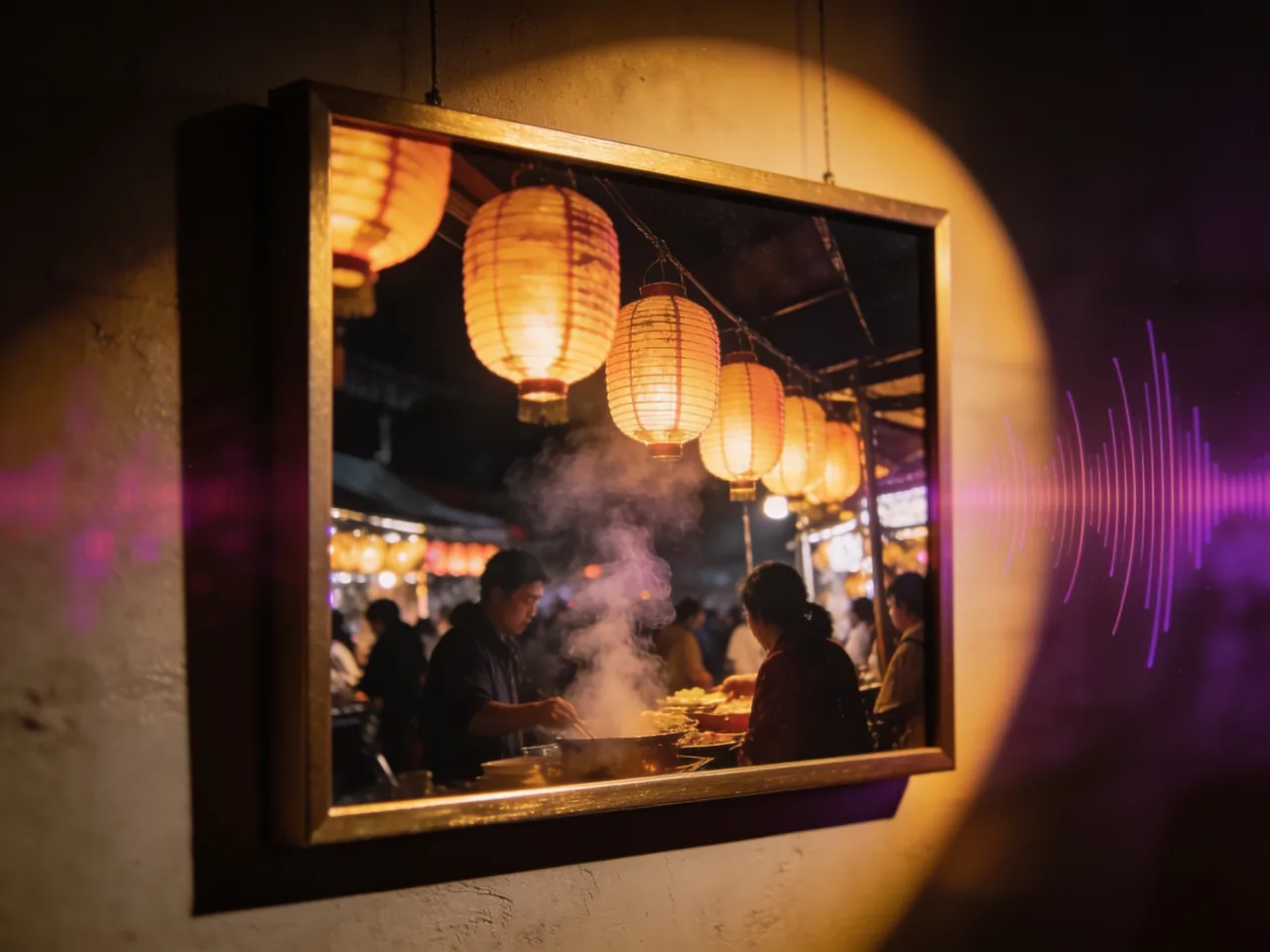
Scene reading
It listens with its eyes
Waves and gulls for a beach, clinking cups for a café, crickets for a summer night. Image to audio finds the sound sources in your picture and mixes them into one scene.
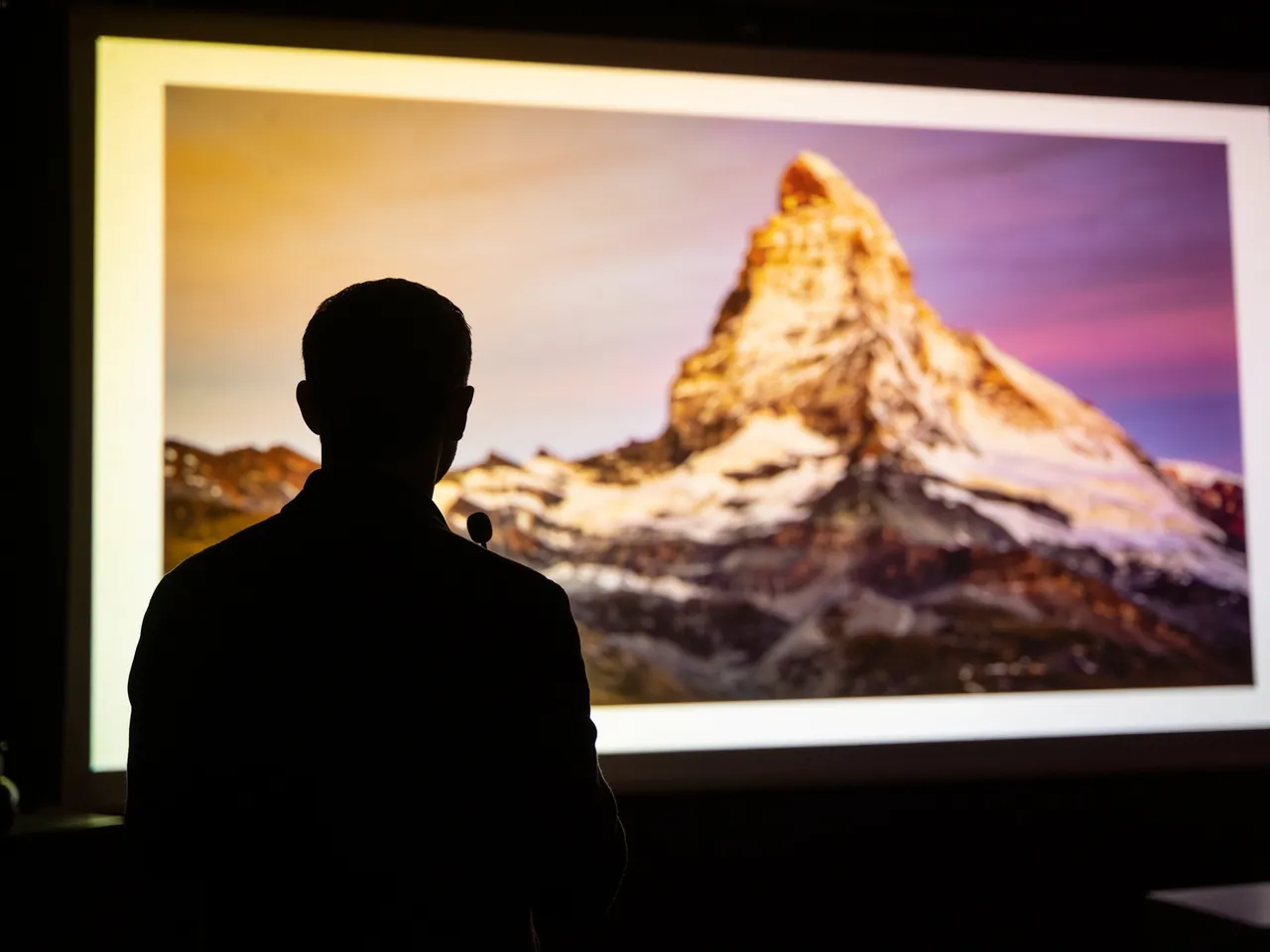
Storytelling
Add a narrator in the same take
Ask for a documentary voice describing the view, or a character reacting to it. The narration sits on top of the scene audio, already balanced.
Turn an image into audioListen
Sample works
Made in the SeedAudio studio. Press play to hear them.
More tools
Everything you need to create audio
Seed Audio Studio
Text to audio: voices, scenes and sound in one take
OpenAI Voice Generator
Natural voiceovers from a script in 20 preset voices
OpenSound Effect Generator
Foley, ambience and one-shot effects from a description
OpenVoice Clone
Speak new lines in a voice from a short reference clip
OpenDialogue Generator
Multi-character conversations with timing and emotion
OpenAI Music Generator
Two full songs or instrumentals from one idea
OpenAI Lyrics Generator
Song lyrics with verses and a chorus in seconds
OpenFrequently Asked Questions
Quick answers before you start
1What images work best?
Photos or art with clear sound sources, such as water, traffic, crowds, animals, weather or machines. Abstract images give more abstract results.
2Can I combine an image with voice clips?
No. Seed Audio 1.0 accepts either reference audio or one reference image per take, not both.
3Is my image public?
No. It is uploaded only to generate your take, and your results stay private unless you share them.
4Can I add narration?
Yes. Write the narrator line in quotes in the prompt and describe the voice you want.
5How much does it cost?
New accounts get 60 free credits. Seed Audio takes cost one credit per second of finished audio, and unused credits return automatically. Monthly plans and one-time credit packs are on the pricing page.
Hear your photos
Upload a picture and get a matching soundscape in about a minute.